
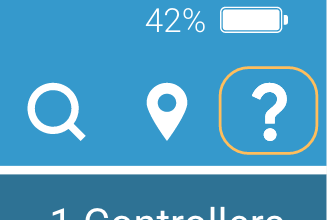
To get further assistance, you can call support, email support, or access our series of Knowledge-Based articles. To access help, tap the question mark icon in the top right corner of the screen.
At the top of the Support page, your Account name and the current app version number are displayed. Directly below are three options a list of help articles for the Mobile app.
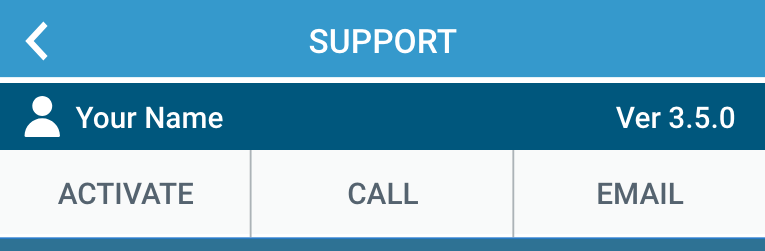
The three options are:
Activate
Provides instructions on how to activate a WeatherTRAK controller.
Call
Provides details on the currently selected Site, Controller, Controller Status, and Controller Serial Number. Pressing the Call Support button will dial HydroPoint's support team. Reverence the provided details during your call.
Generates an email in your device's default email application. The email is pre-populated with the currently selected Site, Controller, Controller Status, Controller Serial Number, and User Name. Provide the additional information requested in the email and send it to HydroPoint's support team.