BaseManager users with Company Admin privileges can access the BaseManager Administration interface and add sites to the company.
How to Add a site in BaseManager
- Adding Sites to BaseManagerAfter you have logged into BaseManager, click the Admin icon in the Apps list on the left side of the page.

- In the menu, click Manage Site.

- In the page, click New Site in the top right.

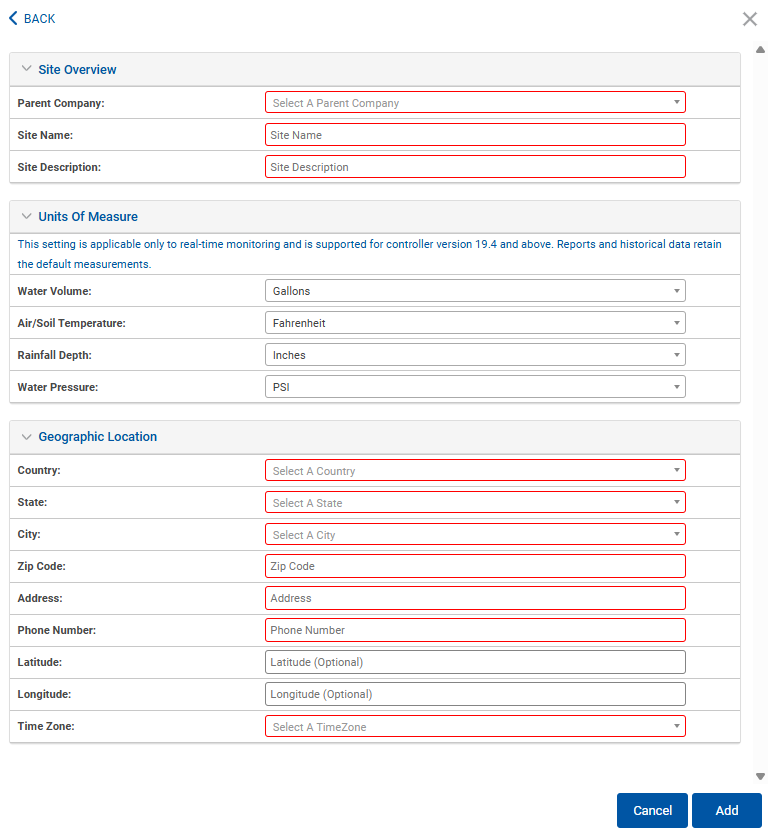
- In the expanded menu, fill in the required site information (the fields outlined in Red text). When complete click Add in the bottom right.