Granting Access to a WeatherTRAK Controller
To effectively manage controllers remotely, users must have access to the WeatherTRAK system through a valid user account. This access can be created by Support or a WeatherTRAK Company Admin.
Requirements:
- A WeatherTRAK Admin account is required to grant access
- The user must be added to the system before they can view or manage controllers
Most access requests are submitted through the Support form 👉 https://form.jotform.com/73536940012148
How to Create a New User Account
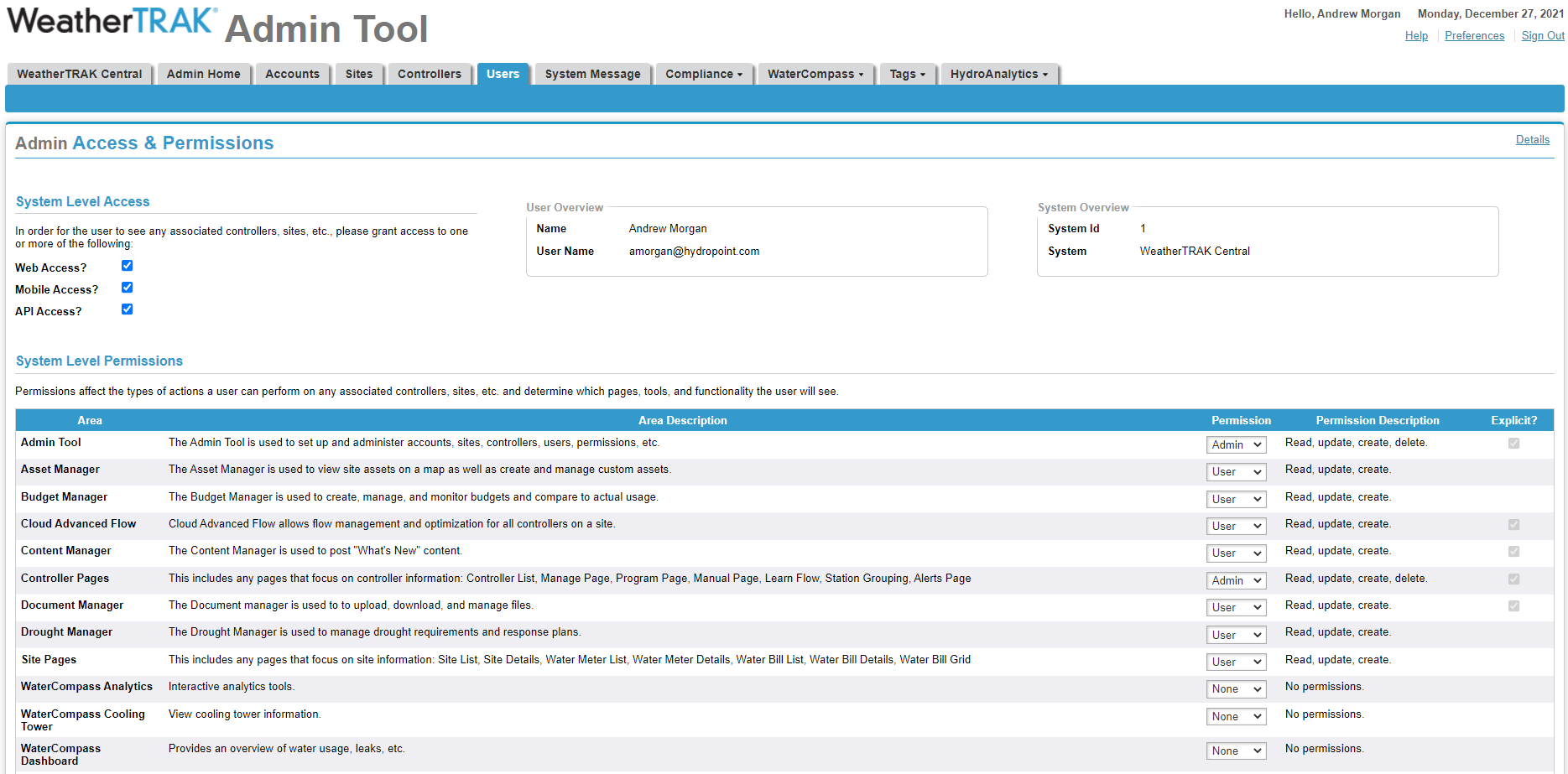
1. Log into https://www.weathertrak.net/ with an Admin account.
2. Choose the Admin tab, then choose Users.
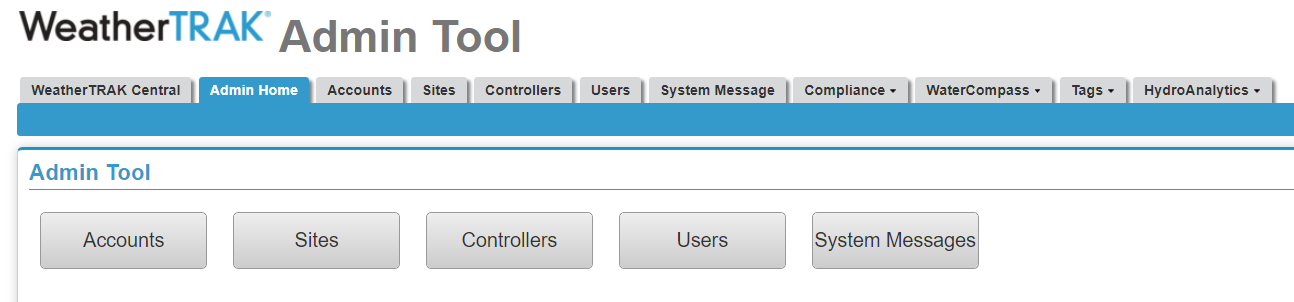
3. Click "new user" in the top right.
4. Gather all the necessary info from the new user to fill in all of the following information.
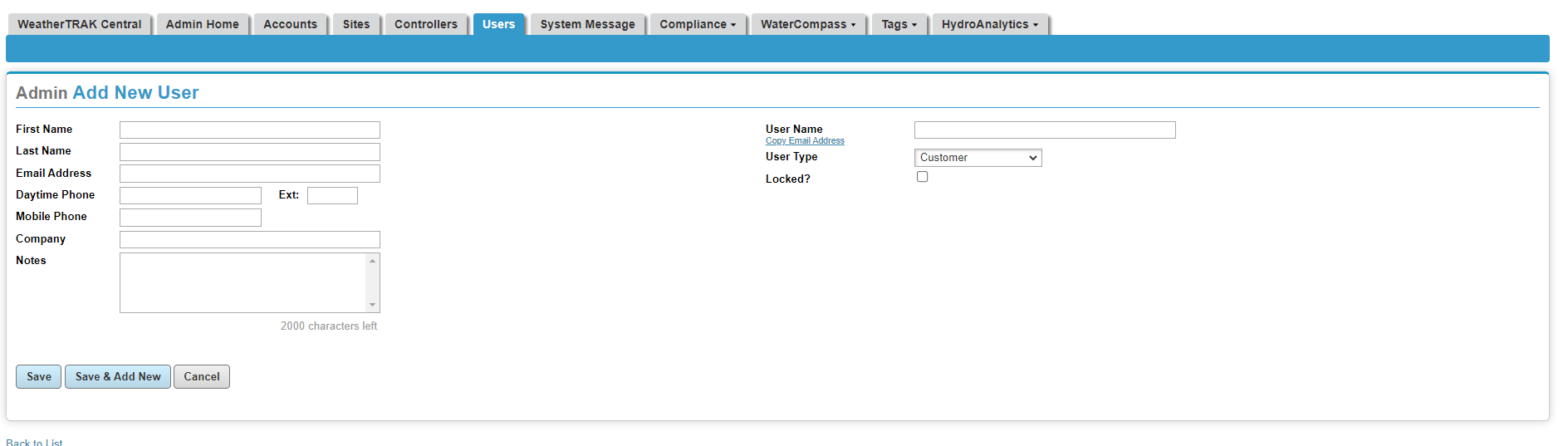
5. Once you have filled in all of the information, click save. You will then be in the Admin Details User account page.
6. In order for the new user to be able to log in, send them a welcome email from the more menu. Be sure to set appropriate expectations in addition to ideal user account handling tips when possible.
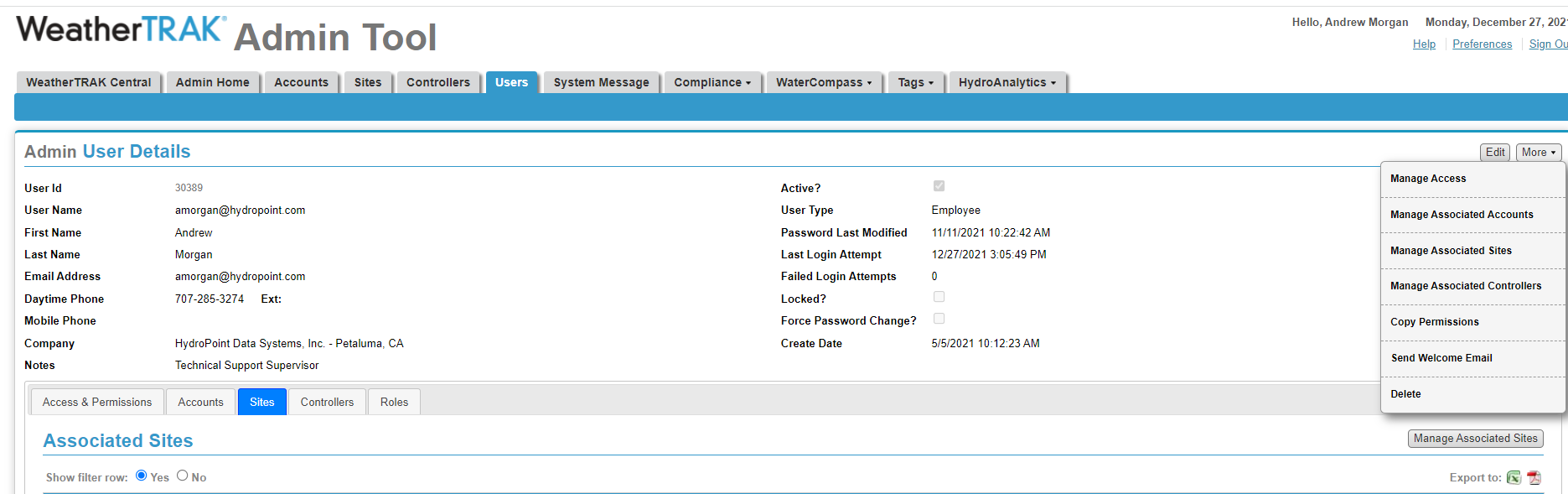
7. Confirm any account, site, or controller access needed. Confirm any specific permissions needed by choosing "edit" in the access & Permissions tab after a company/account, site or controller has been added to that user.