
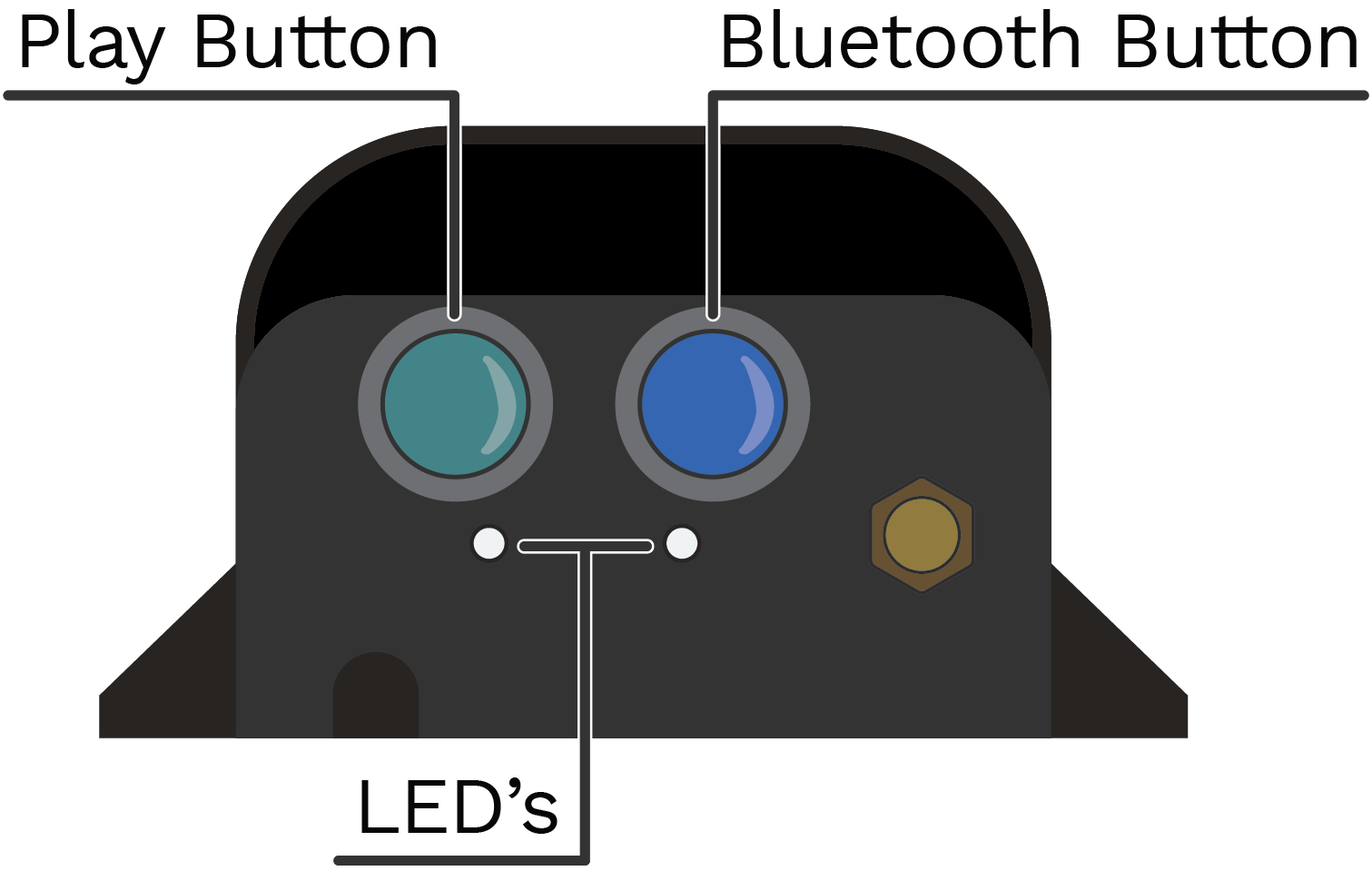
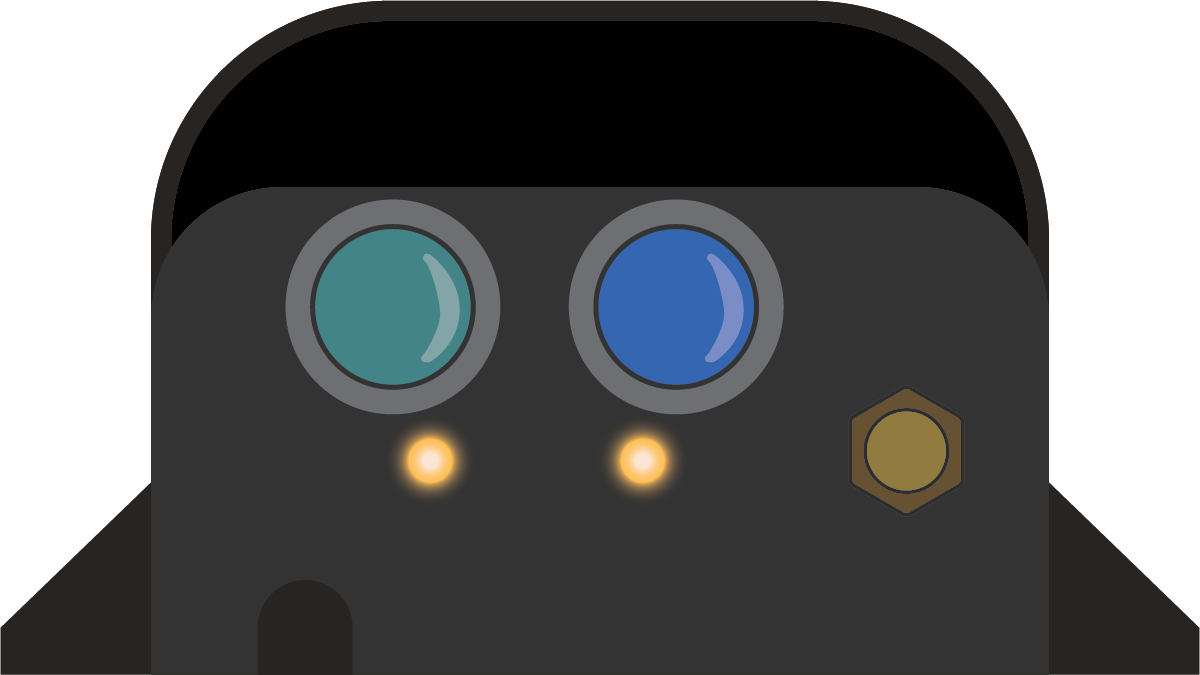
The purpose of this page is to provide insight on the behavior of the FM250 flow monitor button behavior and LED indicators.
Device Legend
Button Behavior
When pressed but not held down, both buttons will wake the device. The device will either enter the shipping state or the state the device was in prior to powering it down.
Button Icon |
Button Color |
Button Function |
|---|---|---|
Play |
Green |
Press and hold the green play button for ~3 seconds. The device will attempt to enter Meter mode, where it will capture and report usage data. |
Bluetooth |
Blue |
Press and hold the blue bluetooth button for ~ seconds. The device will attempt to enter Debug ode, turn on the Bluetooth module, or start advertising the serial number of the device via bluetooth. |
LED Indicators

© Copyright 2026 HydroPoint Data Systems, Inc. All rights reserved. HydroPoint, the HydroPoint logo, and WaterCompass are either registered trademarks or trademarks of HydroPoint, Inc. Other trademarks may be held by their respective owners.