
Incorrect Flow Value
If the controller is reporting an incorrect flow value, make sure the K-value is correct.
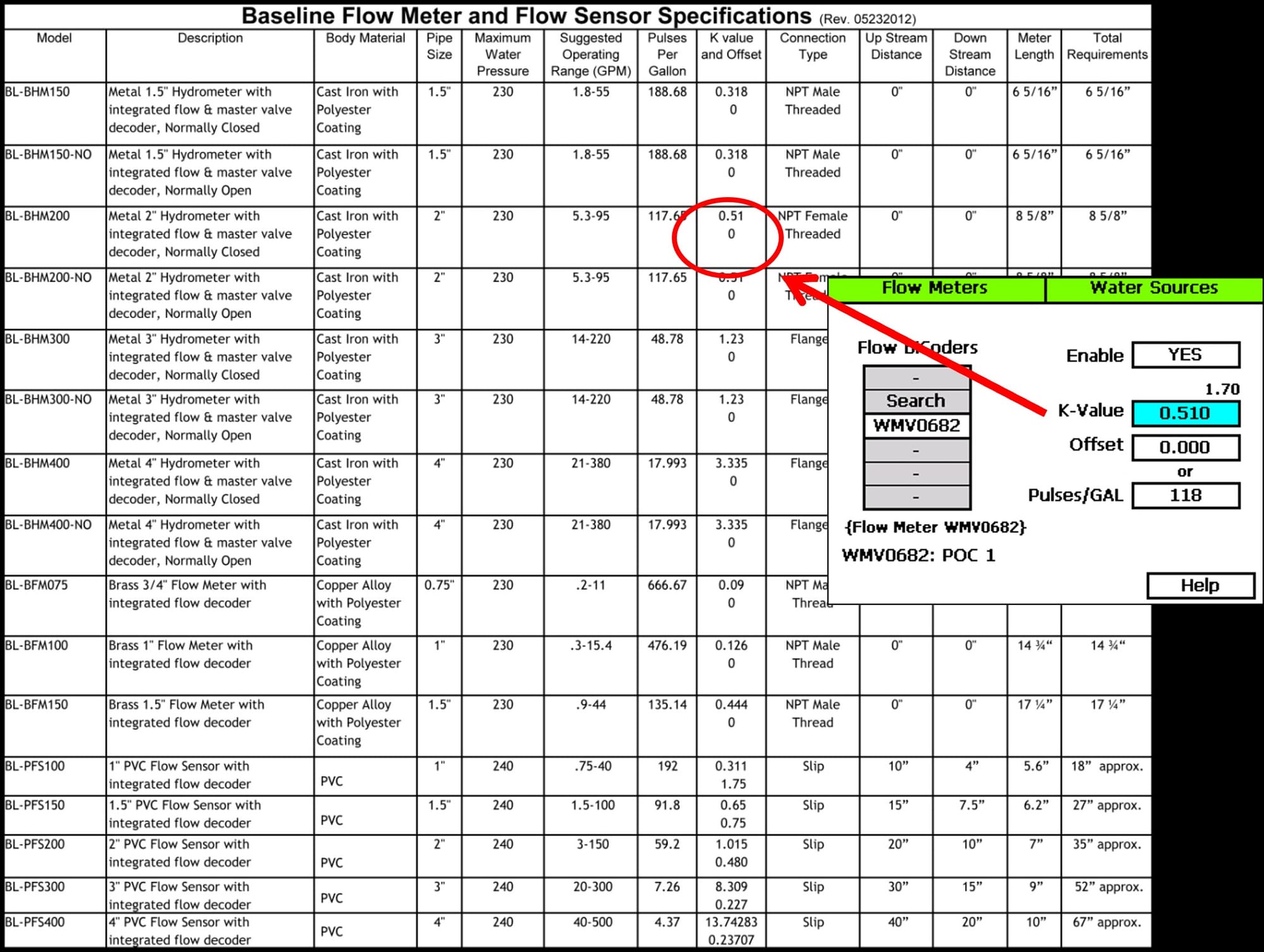
No Flow
If the controller is reporting No Flow:
1. Verify that water is actually flowing.
- Manually run a valve and visually confirm that water is flowing
2. Verify the wiring.
- Refer to the installation guide
- Every flow sensor is different so be sure to use the appropriate flow meter's documentation.
3. Test Flow biCoder by performing a Tap Test.
- Tap yellow and white wires together
- Make sure the LED blinks
- If it fails, replace the Flow biCoder
Note: In some cases it may be necessary to take the flow device, and biCoder to the controller to manually/self test it at the terminals by themselves to rule out wire path issues. When running a self test on that flow biCoder, activate the flow device/register to identify if the controller reads flow on the test screen. This resource gives further detail on how to use a magnet on Hydrometer registers.