All Sites, Users and controllers need to be linked to a BaseManager account.
For customers to start the process of creating a new Basemanager account they will need to fill out the form, call, or email us with the information needed.
Customers: Activating Your BaseManager Account
Activating Your BaseManager Account
To activate your BaseManager account, you will need to fill out the App Manager A
[insert-question 955733]
Once we have the information needed to activate the account We can start with creating the new account in Basemanager. To start creating the account after signing into basemanager press the Admin app, then navigate to "Manage Company". Search the company name to make sure that the account hasn't already been created. If no account exists press "New Company" This will open a new window on the right.
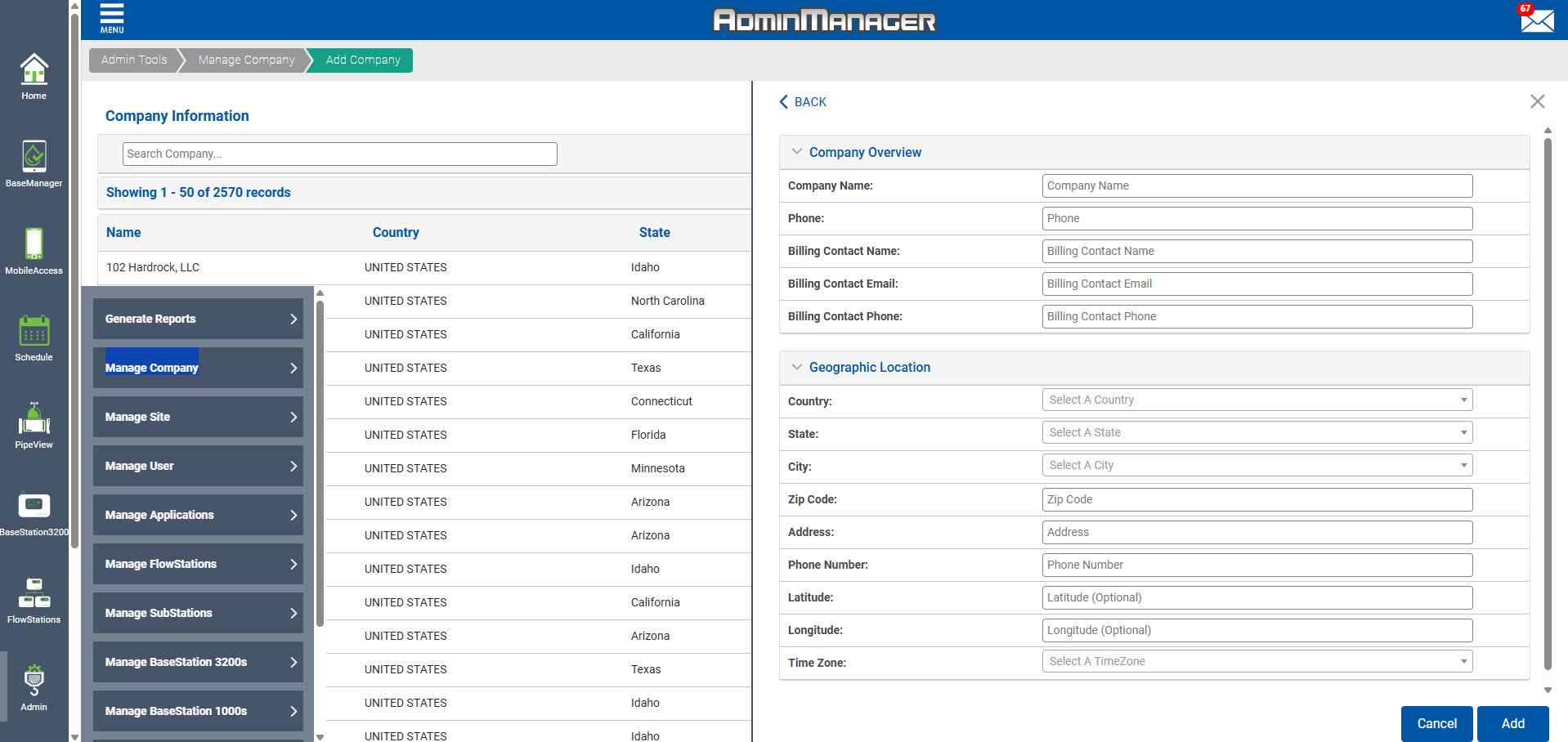
Fill in the blanks with the information the customer provided.
Press save.
Now that the account is created we also need to create 1 company admin and the first site for the account.
Creating a BaseManager User
Adding Users to BaseManager
BaseManager users with Company Admin privileges can add users in the BaseManager
[insert-question 924857]
Creating a Site in BaseManager
Adding Sites to BaseManager
BaseManager users with Company Admin privileges can access the BaseManager Admini
[insert-question 924852]
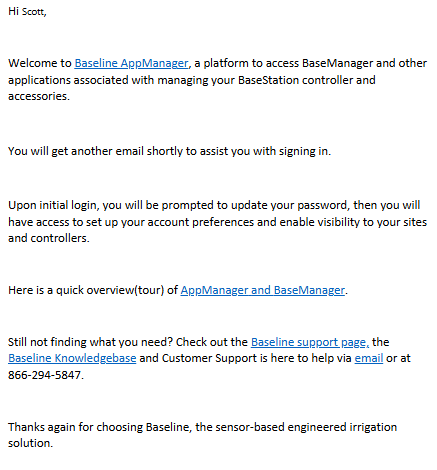
Once the account, site, and company admin are created send an email to the requestor letting them know that they have been created and that they will get an email to assist with logging in.
Email Example: