
Getting Started with WeatherTRAK mobile App
Support Article
Getting Started with the Mobile App
The WeatherTRAK Mobile app allows for remote operation of your WeatherTRAK Contro...
[insert-question 957107]
App Help
Support Article
App Help
_Select an article Mobile version 3.5 and above General Checking App Version Ge...
[insert-question 962532]
Problem
The WeatherTRAK Mobile App issues. This may include the App not opening, fully loading, connecting to the server, or performance issues.
Troubleshooting
Regardless of the issue with the application or the device, it is used on, use the following steps to isolate and resolve the issue:
1. Restart the device
2. Confirm a data or network connection ( Cell data or Wifi).
- Use the " try a known good" method to isolate possible network issues by connecting to a different network or data connection if possible. Additionally, we can have them try using another app or streaming service to help isolate and prove if it is the device's connectivity.
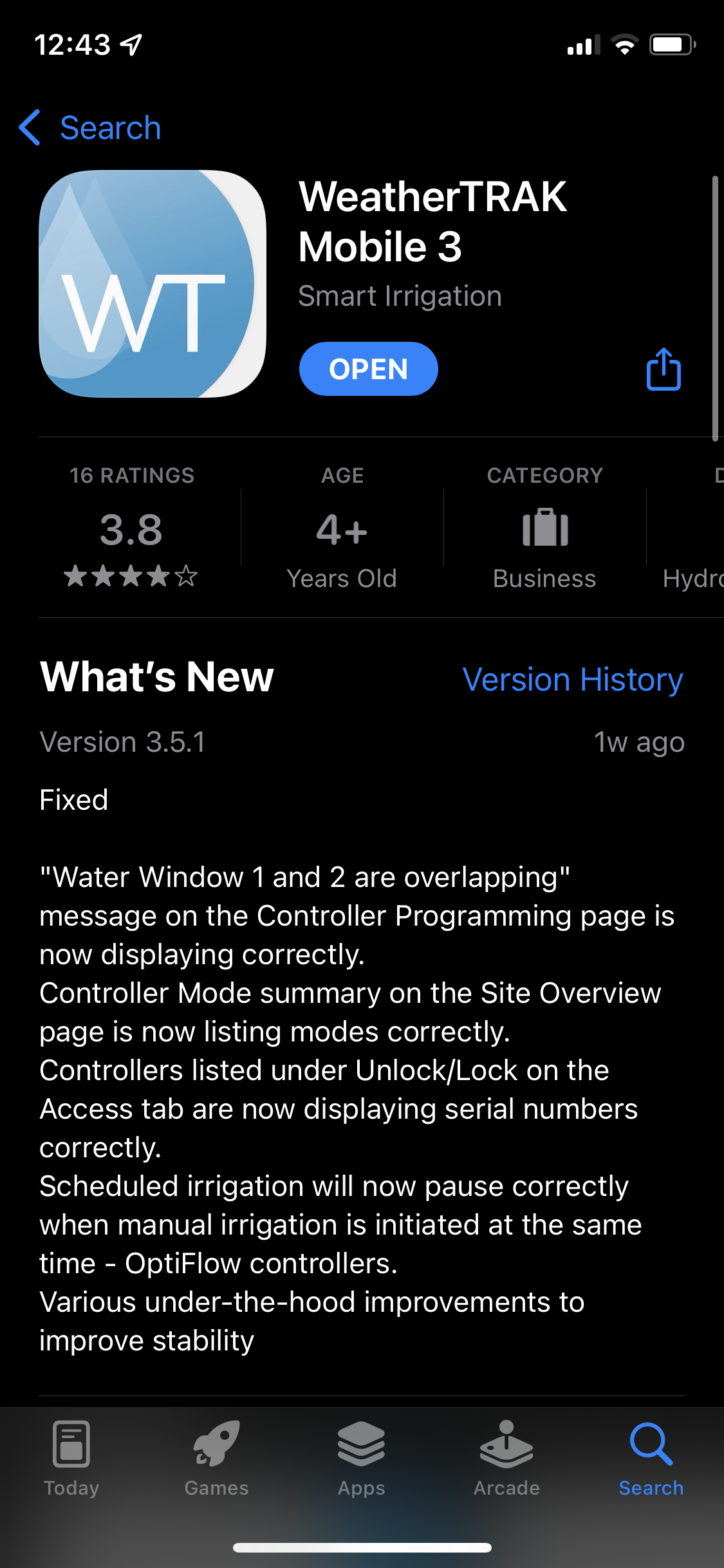
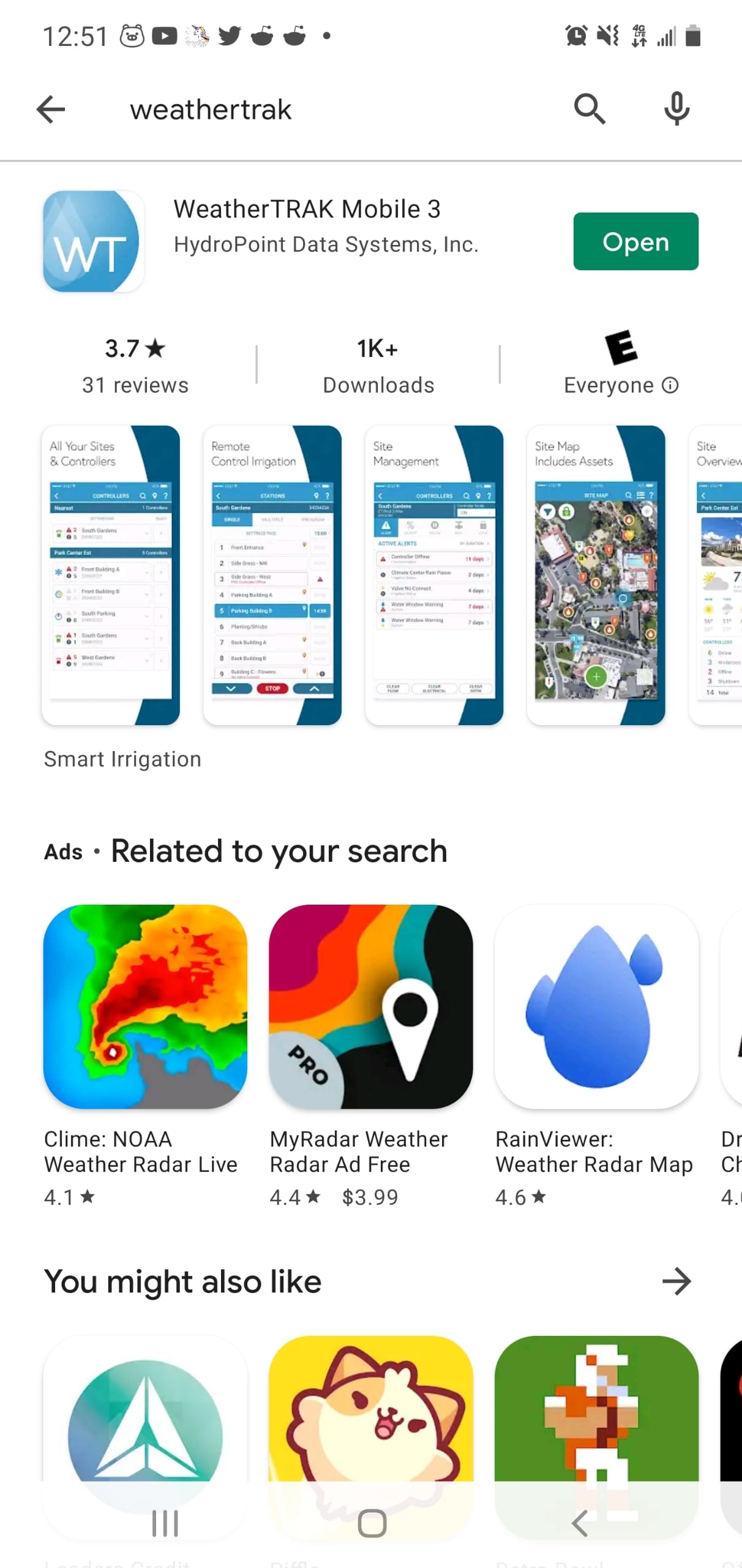
3. Check if the App is up to date in the corresponding App store.
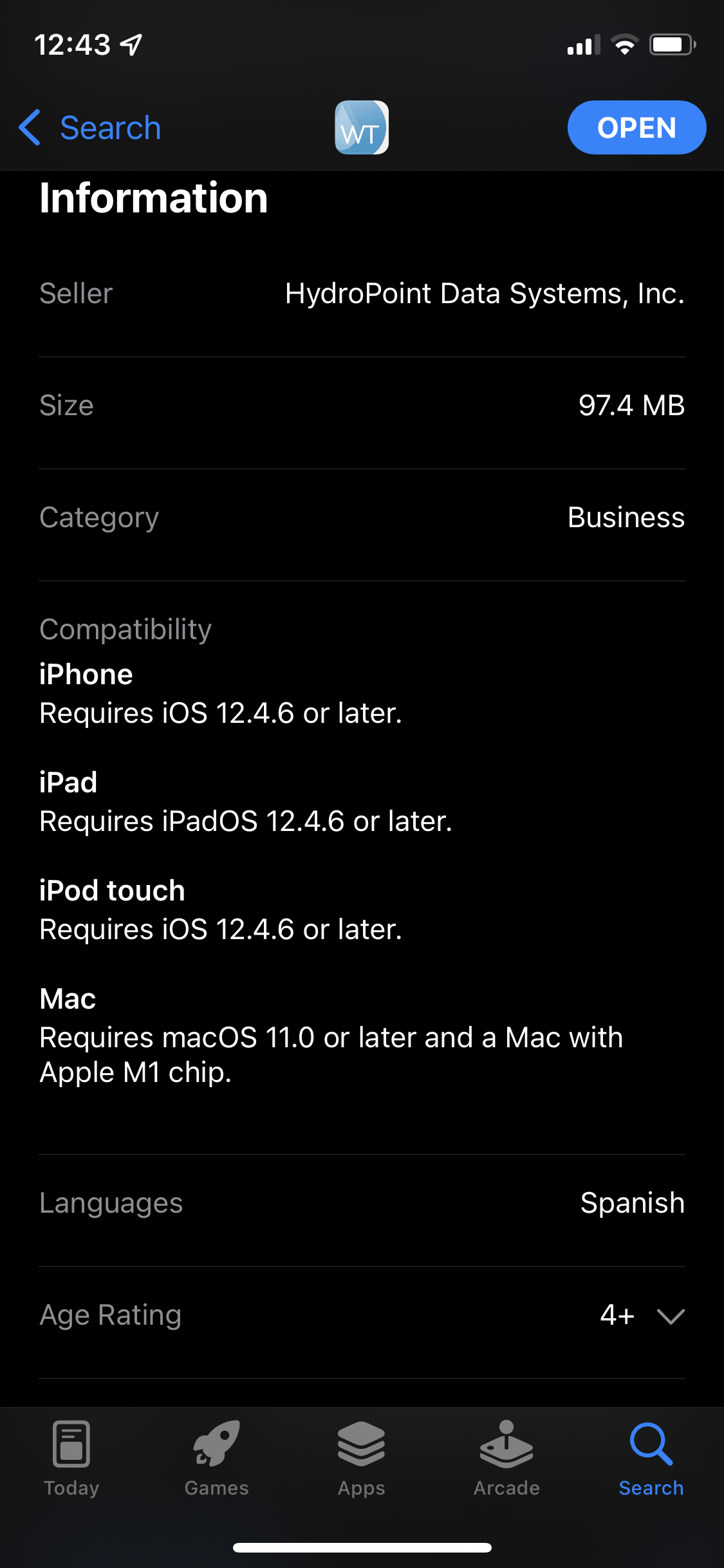
4. Confirm the device meets the App system compatibility/requirements by viewing them in the WeatherTRAK app screen in the corresponding App store.
- Android currently has no minimum system requirements besides enough free hard drive space.
5. Confirm the mobile device has enough free hard drive space. It is generally recommended that any computer/ smart device has at least 2+ GB of free storage to operate and perform at all.
6. Delete and reinstall the App.
WeatherTRAK Server and Mobile App Lag Issue Article
WeatherTRAK Server Communication and Mobile App Lag Issues
Purpose This article is intended to assist with the general troubleshooting, dia...
[insert-question 980677]
Tier 2
If steps 1-8 do not resolve the issue, escalate to Tier 2.