
|
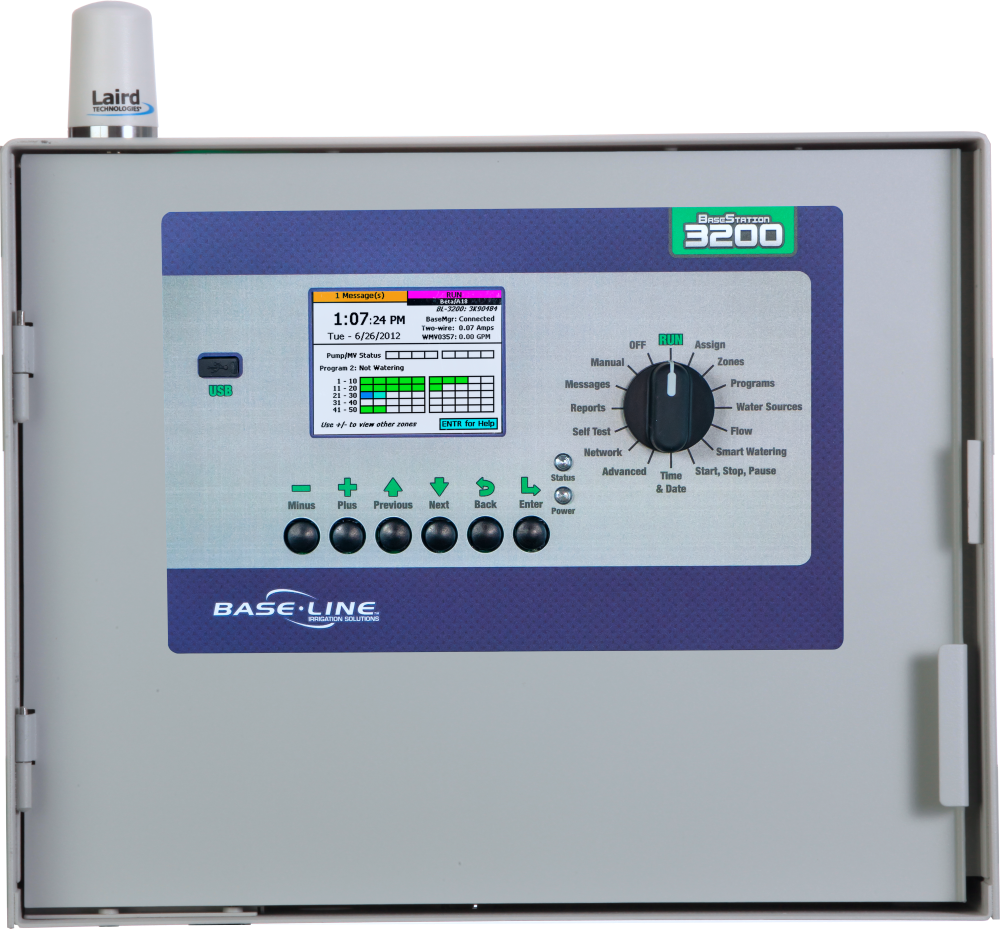
Here’s how to get started with your new BaseStation 3200 controller. Follow the Three Steps Below: |
 |
STEP 1
Set Up Controller Communication
Once your controller has been installed, it is important to set up your method of communication.
Videos
How to set up an Ethernet connection
How to set up a Cell Modem connection
To set up an ER Radio, contact your Baseline Customer Success Manager or support.
Article
Note
If your IT department has restrictions on connecting to their network with ethernet or Wi-Fi, please contact support@baselinesystems.com, and we will help with the process to set up fixed IP addresses.
STEP 2
Authorizing your Controller
Once the controller connects to the Baseline server for the first time, a 6 Digit Authorization PIN will display on the screen. Take a photo or write down the PIN as you need it to activate the controller in AppManager.
Video
Using the PIN to authorize your controller
Article
Adding controllers to BaseManager
Adding controllers to AppManager
STEP 3
Basic Programming
Now that your controller is activated and connected to the server, it is time to start programming.
Videos
Search and Assign Devices in BaseManager
Single Water Source Configuration in BaseManager
Multiple Water Source Configuration in BaseManager
Connecting a Weather Station to BaseManager
Run More than One Zone at a Time with BaseManager
Search and Assign Devices at the BaseStation 3200
MobileAccess Overview
Articles
Quick Start Guide
Irrigation Controller Shortcuts
AdminManager Options
Viewing Controller Information
Updating Controller Description
Assigning Controller to a Different Site
Updating Controller Firmware
Backing-Up Controller Programming
Documents
BaseStation 3200 Documents
Sales BaseStation 3200 Brochure Manuals BaseStation 3200 V12 User Manual BaseStat...
[insert-question 952078]
If you have questions, here are 3 ways to get answers:
1. Search within this Baseline knowledgebase
2. Visit the Baseline support page
3. Call 866-294-5847 or email support@baselinesystems.com, hours are from 6:00 am to 7:00 pm Eastern Time or 4:00 am to 5:00 pm Pacific Time.