
Info, impact, causes, and troubleshooting a "Program Skipped Moisture" message.
Common Causes
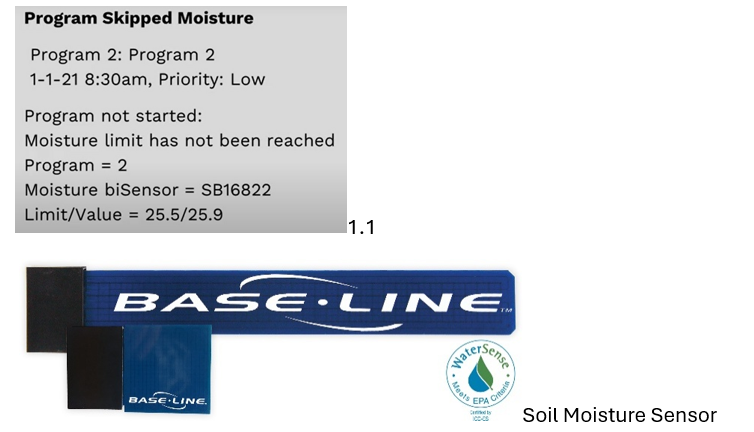
- Sensor SB16822 being set to influence Program 2.
- Sensor not reaching its dry-down threshold of 25.5%.
- Ex: in BaseManager → Schedule’s the sensor limit may be set to 25.5% moisture content, but the current soil moisture reading is 25.9%, which means it isn’t ready to irrigate based on these limits.
- The message shown in 1.1 refers to data coming from a soil moisture sensor, either a BL-5315B full size sensor or the compact BL-5311 sensor.
What Happens Now?
- Program 2 will not irrigate because the sensor SB16822 did not reach its lower moisture threshold.
- Program 2 will check the sensor again at the next start opportunity, which is an alert only.
Troubleshooting
- Alert only.
- Make sure that the sensor irrigates and wets by the zone.
- Important, verify the lower moisture limit is ready to start when you intend and ensure that there is enough watering days scheduled. A program with seven days on schedule will only irrigate when the sensor is set to your limit and allows it to run.