
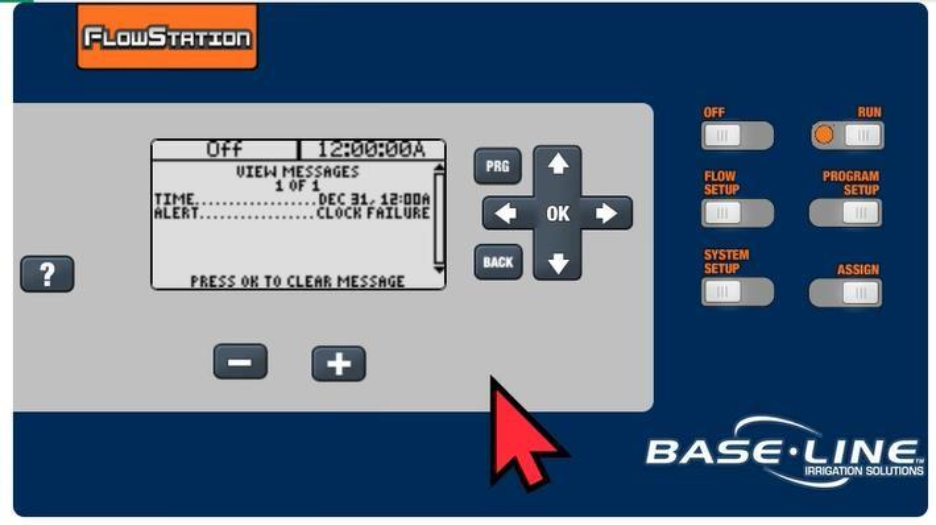
At the 1000, Substation & FlowStation, troubleshoot by:
- Disconnect from BaseManager
- Set the time
- Make sure the message is cleared
- Press RUN
- Power cycle
- Check if the time is correct and the message has not come back
- If the message is still there or the time is incorrect then replace the display (if in warranty)