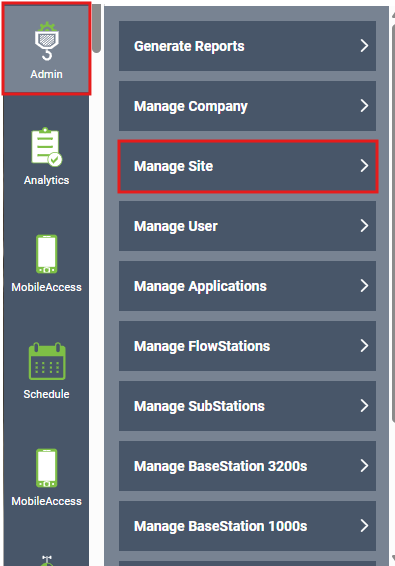
- In BaseManager you will go to Admin in the side bar and select Manage Site
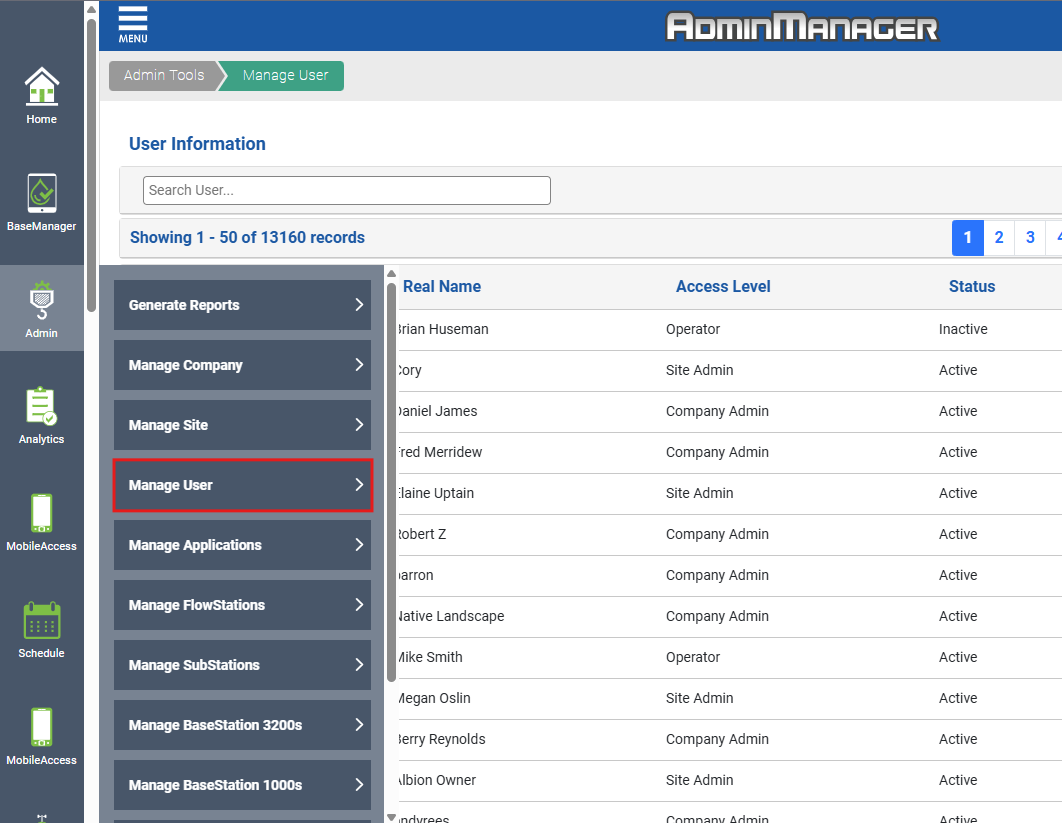
- Then you will enter in the site name by key words(if needed)

- Or you can search with the customer's username or their name
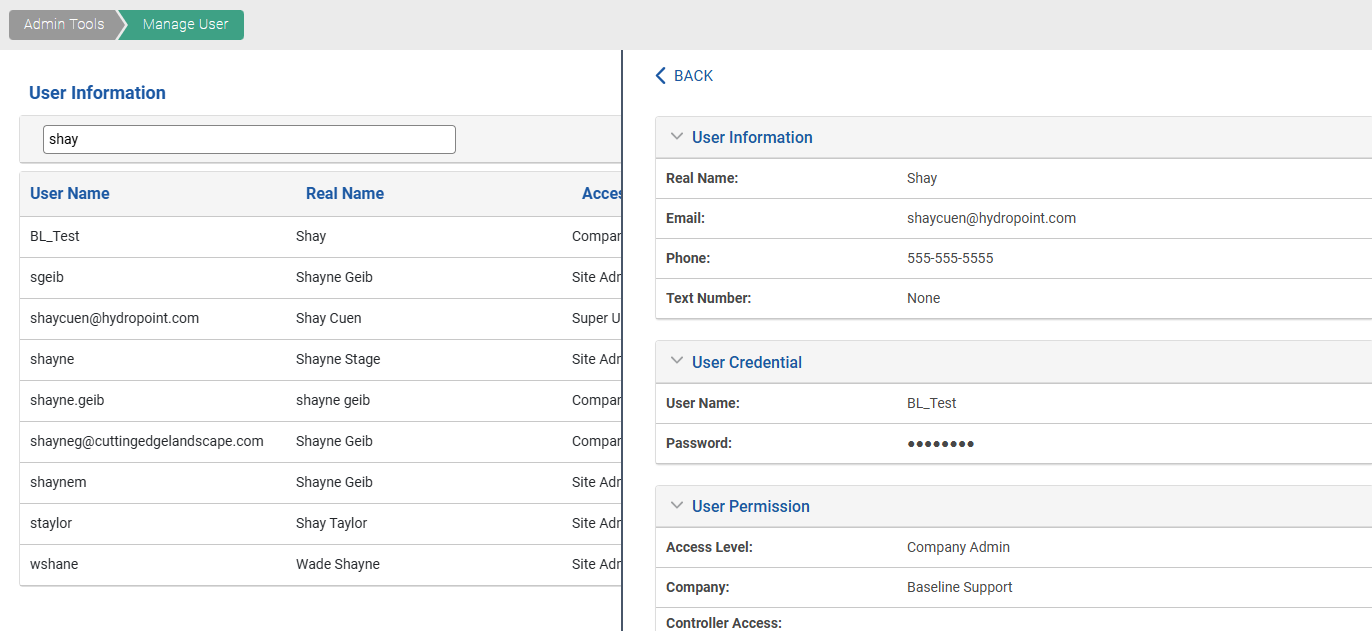
- Once you find the customer and have them selected, you can see which company they have access to
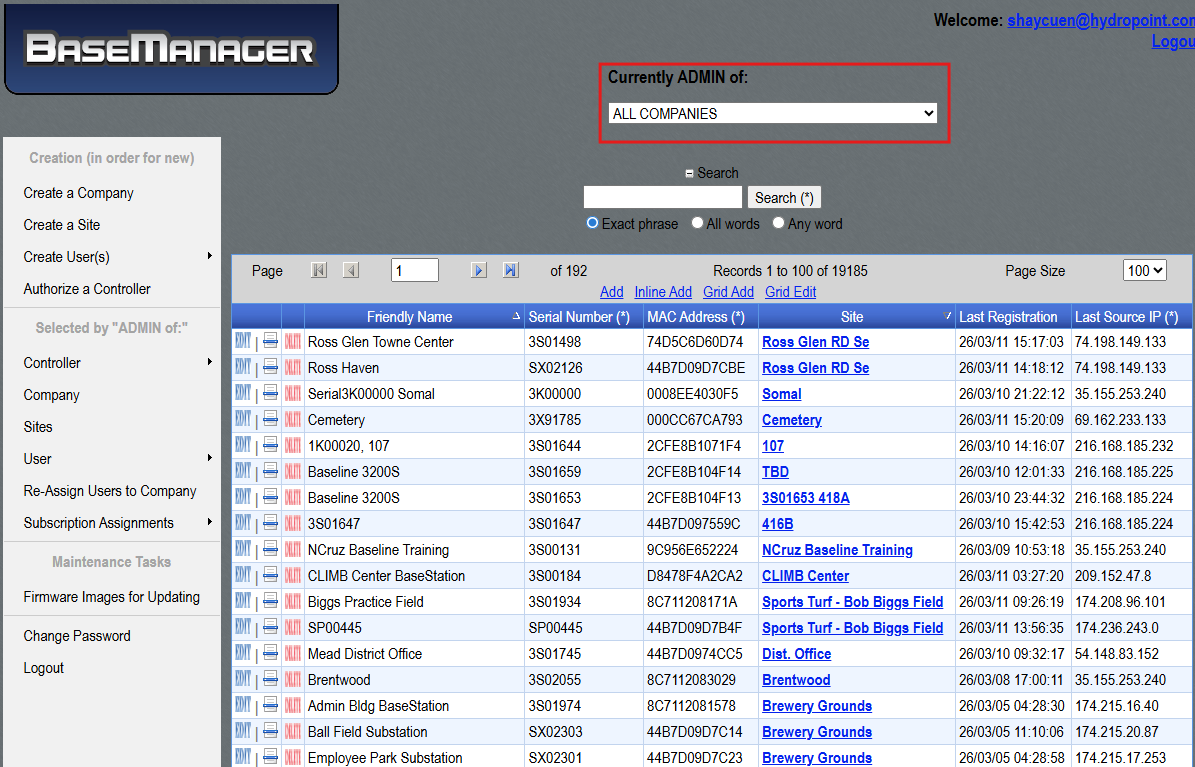
Another way to find the Company is by going to Old Admin
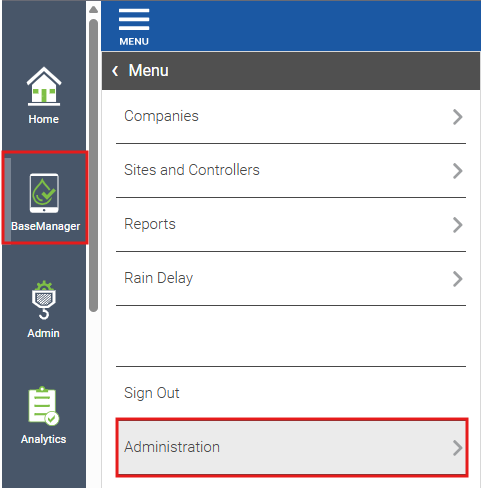
- To get to the Old Admin is by going to BaseManager>Administration and Administration again
- Make sure the "Currently Admin of" is on All Companies
- This is where you can search by the controllers serial number, MAC address or name of the controller
- You can also search for the company name by going to Sites in the side bar