
Occasionally, when performing an activation the controller will not be able to communicate with the WeatherTRAK server for the first time.
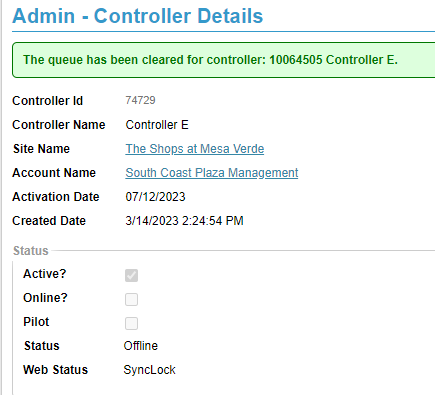
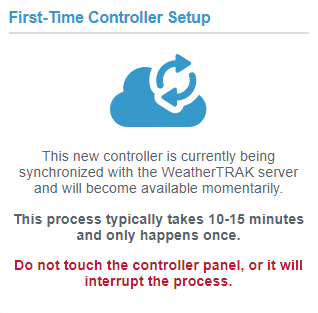
It will display a "SYNCLOCK" Message. In the admin page, it will display SyncLock next to Web Status.
Warning
The most common reason this is happening is because someone is trying to physically use the controller display at the controller before the activation process has finished. Advise that no one should try to use or make any changes at the controller until the activation process is done and or sync lock resolves.
1. First try to restart the controller and then wait another 15 minutes to see if it resolves the issue.
If it remains in Sync lock and is NOT ONLINE, validate it is not an offline or connectivity issue by following offline troubleshooting steps.
2. When sync lock runs for an abnormal amount of time ( approx. more than 15 minutes even after a reboot) and it is not an offline/signal issue - we should escalate to tier 2 who then can have engineering investigate what is happening on the server side.