
Program Stopped Pressure
Priority: Low
Definition: The pressure limit set in the program has been reached and so the program has been stopped.
Example:
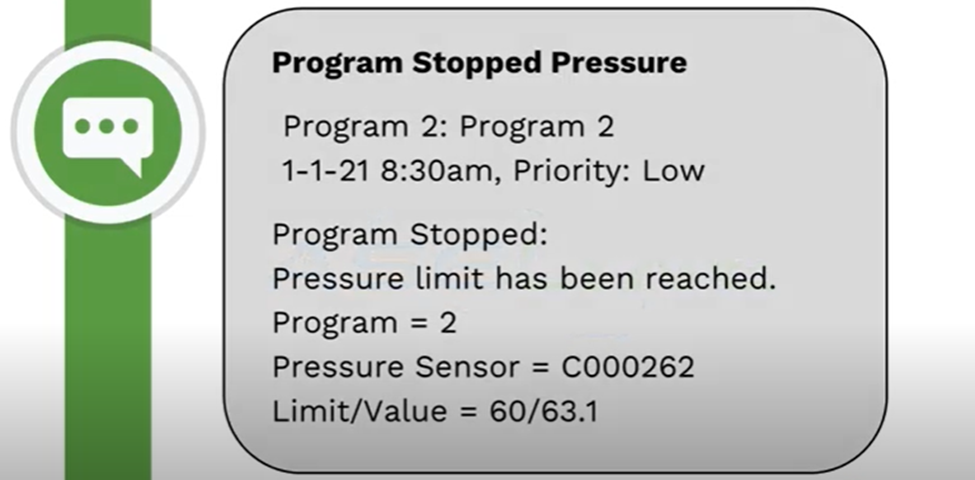
This occurs when the limit that was set in the program has been reached. This is from the start, stop, or pause settings in the program.
Action Needed: This is an alert only; no action required
If you didn’t want it to stop:
- Review the pressure limit set in the program
- Adjust the PSI; increase or decrease
- Consider a program pause instead of a stop which can be adjusted in the program
Video originally published July 2021.
If you have questions, here are 3 ways to get answers:
1. Search within this HydroPoint knowledgebase
2. Visit the HydroPoint support page
3. Call 800-362-8774 or email support@hydropoint.com, hours are Mon-Fri 3:00 AM – 6:00 PM PT and Sat 9:00 AM – 2:00 PM PT.